
Design Rules Handbook
The confirmed design rules, shown as a viewable checklist.
Warming up the lab…
Every experiment lives on this wall — come back any time.
The confirmed design rules, shown as a viewable checklist.
A Typora-style Markdown workbench — drop files into public/docs and they appear.
A button press should feel like a dent in paper.
Pin notes to the wall and drag them around.
Would long reads feel slower inside letter-paper rules?

Pictures lie scattered on the desk like prints.

Press it and paper confetti fills the screen.
Pick a heading font against the real site fonts: size, weight, color and line-height, all live.
A shelf for APIs I want to try — starting with Bing's sky of the day.

Can pencil sketches survive in the dark? Only one way to find out.
Code deserves to be copied down like careful class notes.
A drop of ink hides between each ticking number.

A pencil kitten strolls after your cursor.
Key words get a quick crayon swipe.
Milestones lined up like a journal spread.

A 1:1 replica of the Xiaohongshu desktop messages screen — conversations, bubbles and the emoji panel all work.

Browse Lucide and four React Icons collections with search, pagination and SVG downloads.
Draw the waiting as a wobbly little line.
Ten ways to bend a single SketchWave.
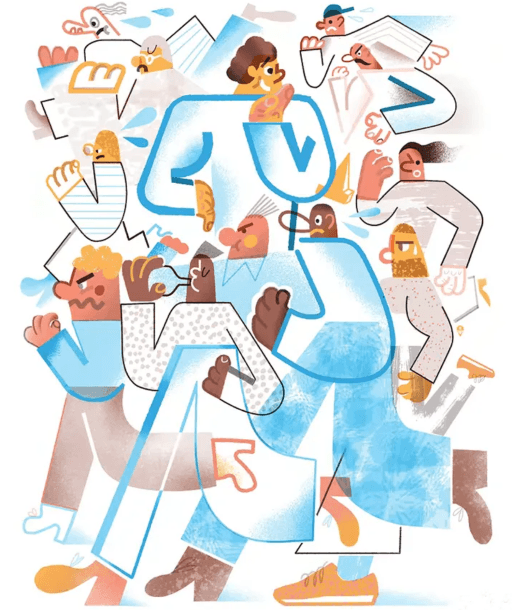
One icon set, all disciplined exactly two degrees off.
A side drawer that slides out like a sketchbook.
Toggles keep a bit of pencil friction.
Finish the doodle monster to prove you are human.
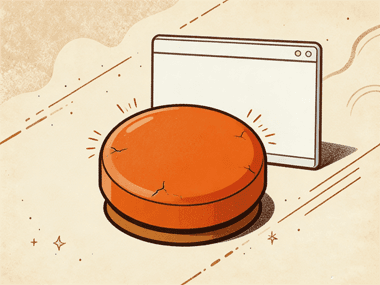
Error, 404 and loading fallbacks — trigger them all yourself with one press.
A 404 page that keeps the pencil warmth even when you are lost.

When there is nothing to show, a small doodle keeps you company.
Can a scrollbar grow up to look like a pencil?

Tags you could peel off and stick somewhere else.

Cut the references and collage a new cover.
The back-to-top button is a paper plane.
Loading placeholders sketched as hatching.